UNITAF Future
UNITAF

Caution

This site is a work in progress

This site is finished to different degrees. Feedback is welcome. Please bear in mind that most of what you see, if not everything, is still a work in progress.

Data from the live site is synced here every hour. Anything you do on this site stays here. It is not copied back to the live site until we switch over.

Discord and permissions are linked. Be careful with admin actions. Some of them also change Discord.

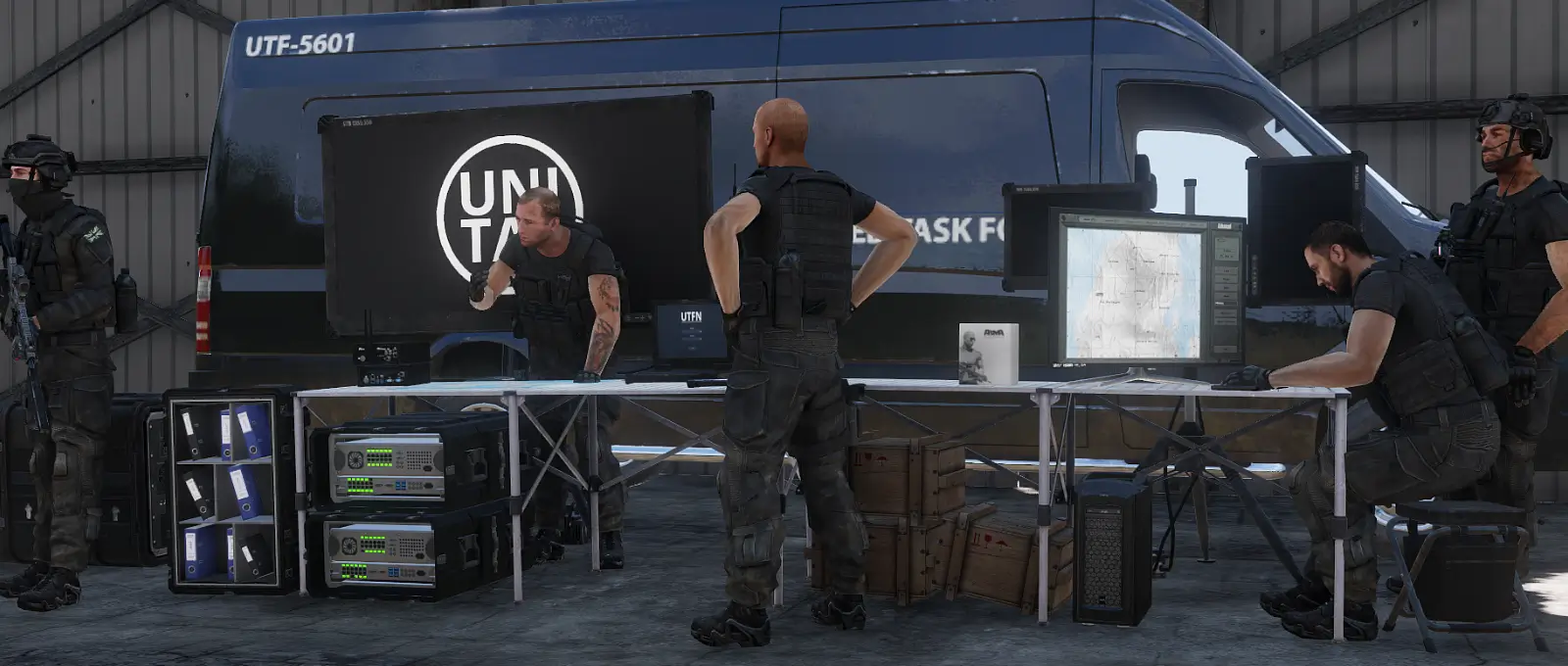
UNITAF members taking orders before an operation
Force Manual

The FM outlines our core skills, policies and guides to ensure every member stands ready for the mission ahead.

FM/G154 · Deployment execution

Scheduling a deployment

Passages
6
Reading time
2 mins
Views
91
Owned by
Unit Command
Platforms
Every platform
Role cards
4 cards
Published
23 Sep 2026
On this page

Mission folder structure

When exporting a mission, the mission folder should contain the core files required for the scenario to function correctly.

Typical mission folders include:

• mission.sqm
• description.ext
• cba_settings.sqf (optional)
• Any mission specific scripts or assets used by the scenario

Mission file naming and export

Mission files used by the server follow a standard naming format:

[OrbatID].[TerrainName].pbo

To achieve this format, it is recommended to save the mission project using the OrbatID as the mission name when first creating it. If a mission was created before an OrbatID was assigned, the Save As function can be used to create a correctly named folder. Any accompanying mission files should also be copied into the new mission folder.

The mission .pbo is generated using the Export to Multiplayer function in the 3DEN editor. This process packages the mission folder and its files, including description.ext and cba_settings.sqf.

Exported missions are saved in the MPMissions folder located in the Arma 3 installation directory.


Send the mission file to the server

Submit the mission file at least 24 hours before the scheduled start of the deployment to the UTFDEDI on Discord.

Test the mission

After completing Send the mission file to the server FM/BS-764, coordinate with a member of J9 Servers to test the mission PBO on the server. This test must be conducted several hours prior to deployment to verify the mission file functions correctly and to allow sufficient time to identify and resolve any issues.

Testing a mission

Before a mission is played, key elements should be tested to ensure the scenario functions as intended.

Areas commonly checked include:

  • Player spawning in the correct location, ensuring clutter around respawn points does not cause incorrect spawn positions
  • Correct loadouts and Zeus access on spawn
  • 3DEN placed objects spawning correctly and not appearing rotated, misplaced, or destroyed
  • Headless clients connecting and spawning in their intended positions
  • Intended enemy and friendly factions available for spawning
  • Mission specific CBA settings applied correctly in the Mission tab of Addon Settings
  • Mission scripts functioning as intended, including testing with another player connected to confirm correct global and local behaviour

Mission Submission deadlines

To ensure sufficient time for review, approval, slotting, and preparation, missions must be submitted by the following deadlines:

  • Missions scheduled Monday to Saturday must be submitted at least 5 days prior to STARTEX (excluding the STARTEX day).
  • Missions scheduled on Sunday must be submitted at least 4 days prior to STARTEX (excluding the STARTEX day).
  • For Sunday missions, this requirement may be reduced to 3 days with approval from the Operations Command (OC).

These deadlines are established to provide:

  •  A minimum of 1 day for mission approval.
  •  A minimum of 1 day for pre-slotting activities.
  • The standard 1UP and 2UP preparation windows.

Missions submitted after these deadlines should not be considered guaranteed for approval or scheduling.

On role cards

Next in Deployment execution

FM/G407 Battle Management