UNITAF Future
UNITAF

Caution

This site is a work in progress

This site is finished to different degrees. Feedback is welcome. Please bear in mind that most of what you see, if not everything, is still a work in progress.

Data from the live site is synced here every hour. Anything you do on this site stays here. It is not copied back to the live site until we switch over.

Discord and permissions are linked. Be careful with admin actions. Some of them also change Discord.

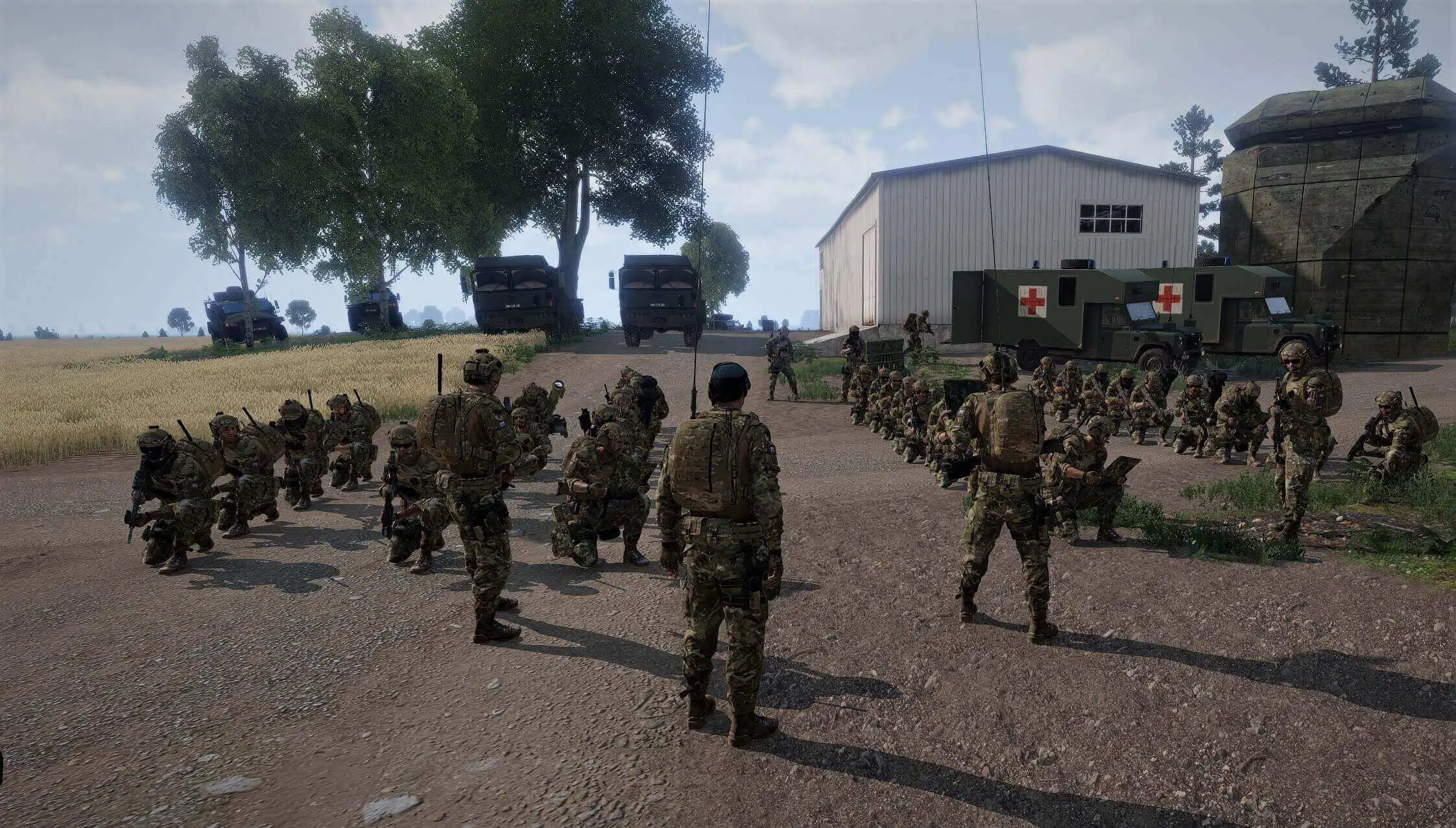
UNITAF members taking orders before an operation
Force Manual

The FM outlines our core skills, policies and guides to ensure every member stands ready for the mission ahead.

FM/G246 · Crew served weapons

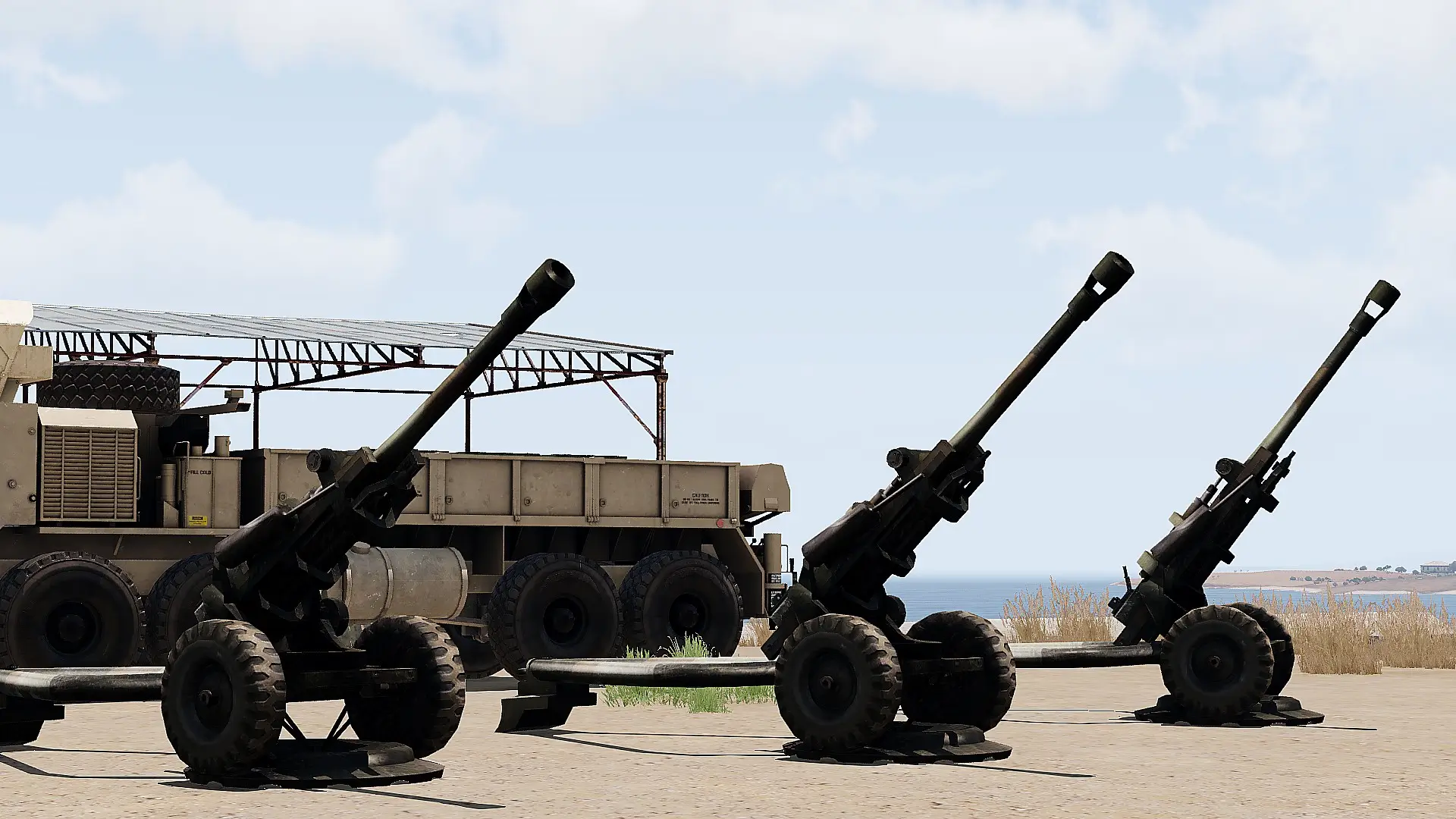
Executing an indirect fire mission

Passages
6
Reading time
2 mins
Views
66
Owned by
Unit Command
Platforms
Every platform
Role cards
14 cards
Published
23 Sep 2026
On this page

Target location methods

Three methods to specify a target:

  • Grid: Grid coordinates from the map.
  • Polar: Distance and direction from the observer.
  • Shift: Offset from a known reference point, e.g. a TRP or PPT.

Fire mission format and flow

A fire mission typically follows this sequence:

  1. Request: The observer sends a Call for Fire.
  2. Acknowledge: Fire controller acknowledges and confirms received data.
  3. Calculate: Fire controller determines and communicates firing parameters.
  4. Lay: Crews apply the firing data and report when ready.
  5. Release: The fire controller issues the fire order.
  6. BDA: The observer conducts Battle Damage Assessment.
  7. Adjust: Corrections are issued if required.

Steps 2 to 7 may be repeated until the desired effect on target is achieved.

Delegation of duties

Element leaders may delegate specific responsibilities to ensure efficient delivery of fire support.

Delegatable duties:

  • CFF Communication: Receiving inbound Calls for Fire.
  • Fire Mission Calculation: Determining charge, azimuth, elevation, and ammunition.
  • Fire Mission Communication: Transmitting fire orders to subordinate elements.

Calculate ballistics

  • Determine gun location
    • Determine grid and altitude (ASL) of each firing point.
    • Use centre-point only if all guns are within 50m radius.
  • Determine target location
    • Determine grid and altitude (ASL) via Grid, Polar, or Shift.
  • Determine sight to target
    • Calculate azimuth, distance, and altitude difference.
  • Develop the fire solution
    • Select charge using range table.
    • Determine base elevation; interpolate if needed.
    • Adjust for altitude difference.
    • Calculate time of flight.
  • Set ammunition parameters
    • Set proximity/timed fuses based on altitude or time of flight if applicable.
  • Verify all data
    • Recheck all data.
    • Ideally cross-check with a second calculator.

Issuing a fire mission to crews

Fire missions are given by the Fire Controller in the following format : 

  1. Gun/Section number
  2. Target Reference Point or Pre-Planned Target
  3. Release method
  4. Type of round
  5. Ammo information
  6. Number of rounds
  7. Charge
  8. Azimuth
  9. Elevation


1. Gun/Section number

ProwordMeaning
All gunsRefers to all elements in the Battery or Section
Section (#)Refers to all guns in the given Section(s)
Gun (#)Refers to the given gun

2. Target Reference Point or Pre-Planned Target

Target number assigned during calculation, each fire mission has a unique target identification number.

See: Establish target reference points (TRP) FM/BS-802 and Establish pre-planned targets (PPT) FM/BS-803

3. Release method

See: Execute fire release methods FM/BS-1147

4. Type of round

Type of ammunition to be used

5. Ammo information

Used for special rounds where a setting is to be configured (i.e. laser code or timed explosion) 

6. Number of rounds

The number of rounds to be fired by each gun (i.e. an order of 5 rounds for 3 guns will result in a total of 15 rounds being fired)

7. Charge

Charge number to be used (please note some Pisces may show the charge as a name ('close', 'medium', 'far') instead of a number, in those cases treat the smallest one as 0 then following modes counting up 

8. Azimuth

Azimuth with a modifier for continuous fire. The azimuth is always given as a 4 digit number

9. Elevation

Elevation with a modifier for continuous fire. The elevation is always given as a 4 digit number

Direct a fire mission

  • Transmit all fire mission parameters clearly in the correct format. See Issuing a fire mission to crews FM/BG-1273
  • Repeat parameters when requested.
  • Issue further commands as necessary
  • Comply with the release command given by the observer.

On role cards