UNITAF Future
UNITAF

Caution

This site is a work in progress

This site is finished to different degrees. Feedback is welcome. Please bear in mind that most of what you see, if not everything, is still a work in progress.

Data from the live site is synced here every hour. Anything you do on this site stays here. It is not copied back to the live site until we switch over.

Discord and permissions are linked. Be careful with admin actions. Some of them also change Discord.

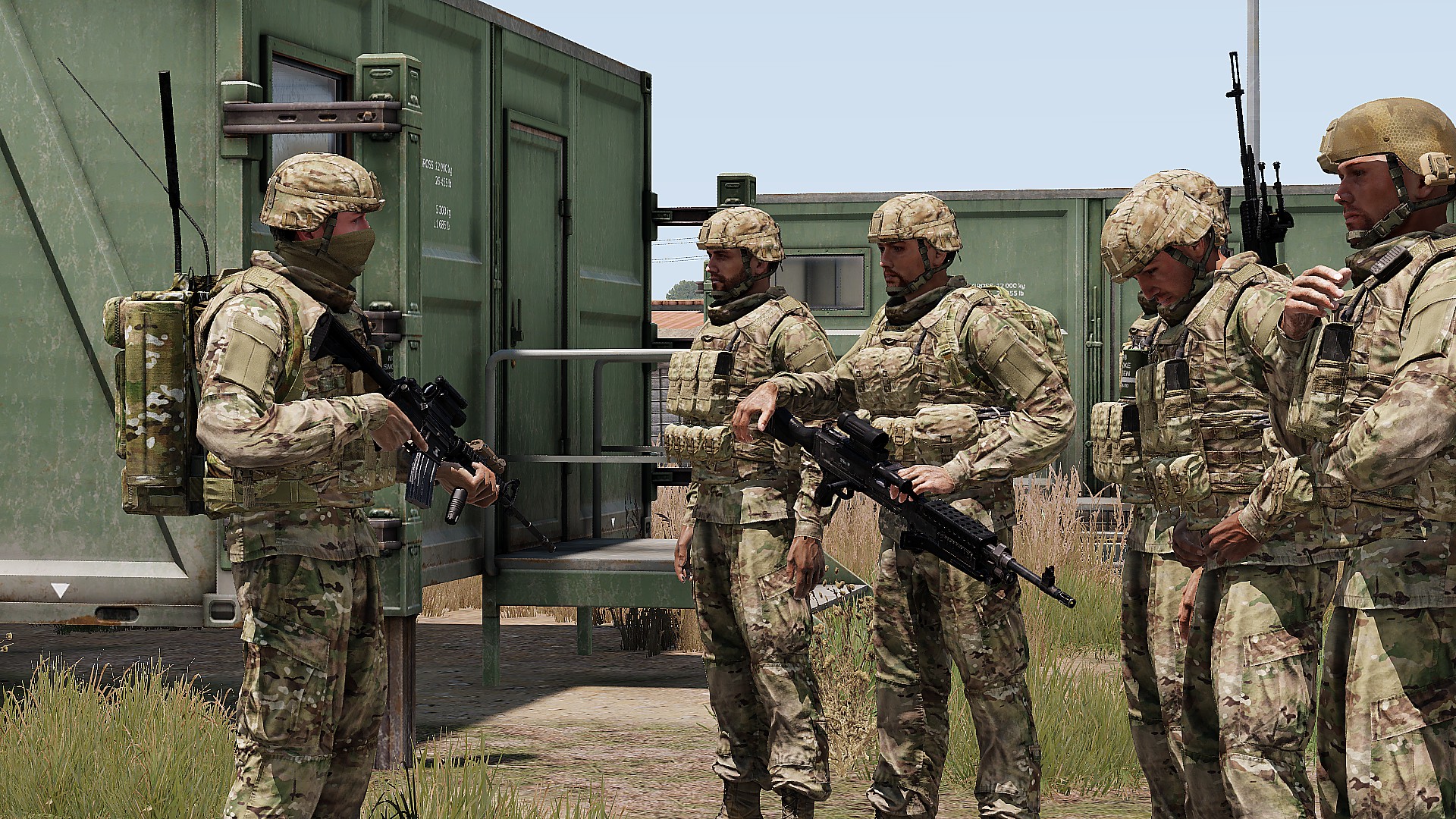
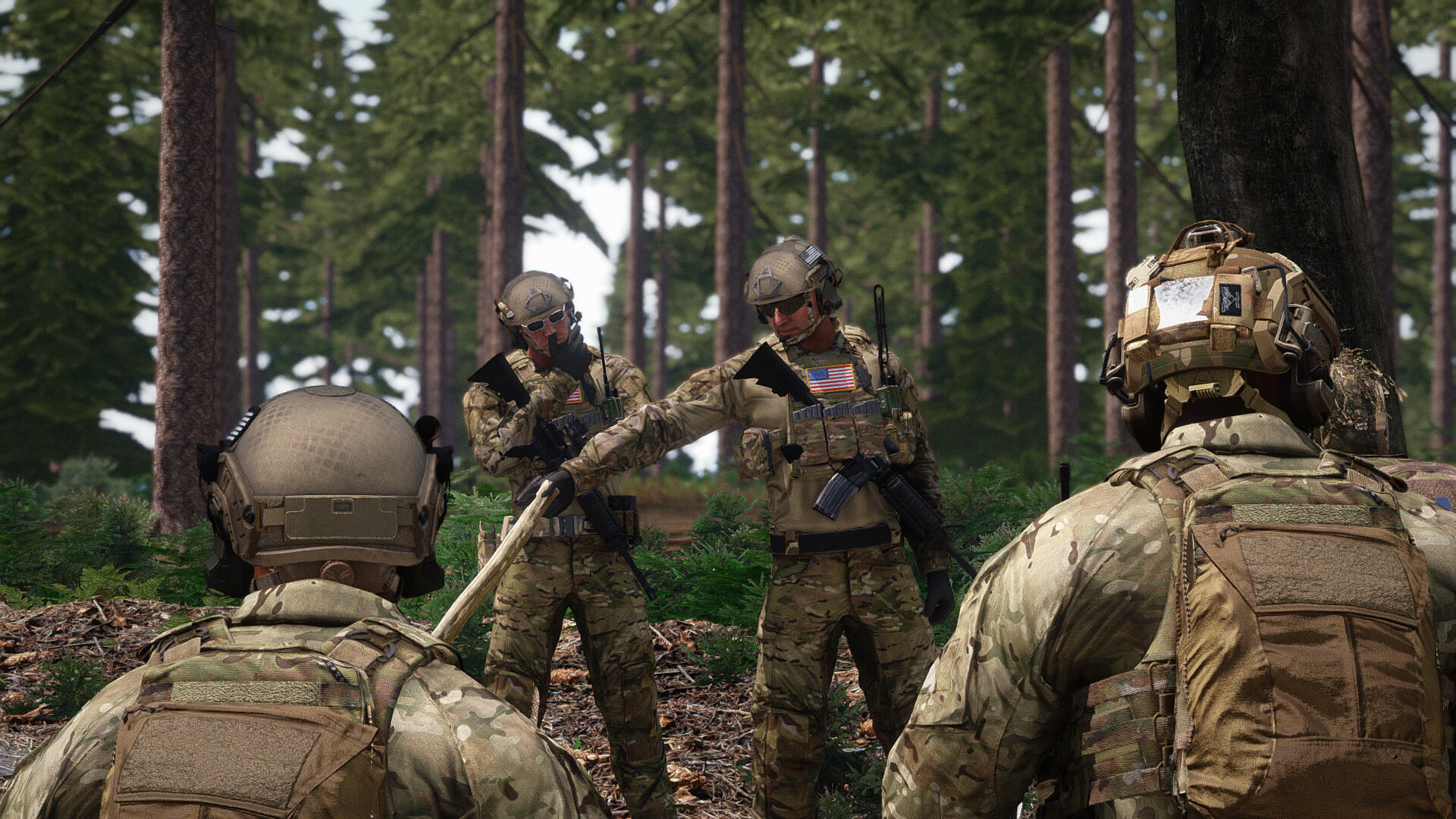
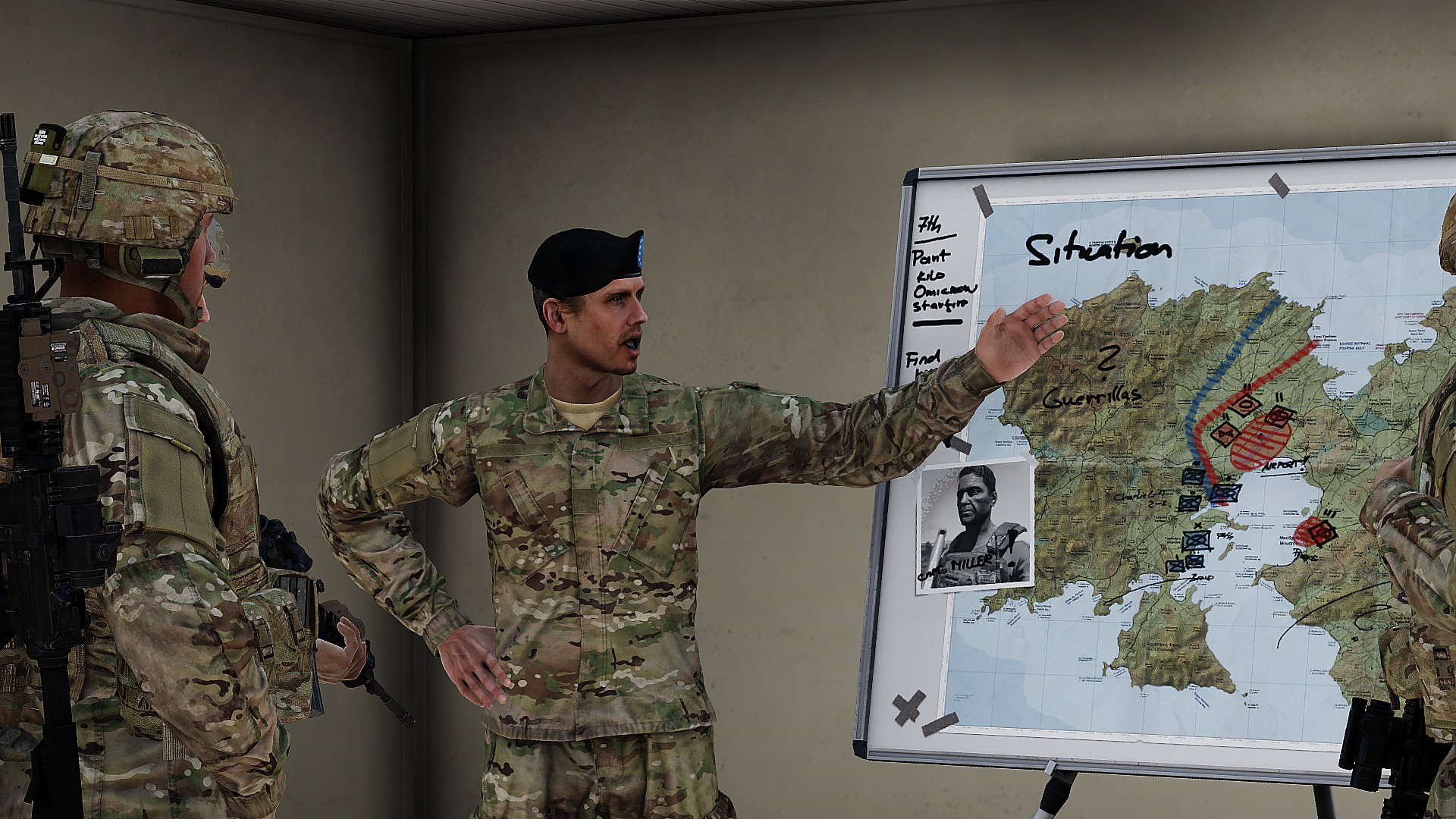
UNITAF members taking orders before an operation
Force Manual

The FM outlines our core skills, policies and guides to ensure every member stands ready for the mission ahead.

FM/G282 · Reports

Sending an ACE Report

Passages
3
Reading time
2 mins
Views
67
Owned by
Unit Command
Platforms
Every platform
Role cards
27 cards
Published
23 Sep 2026
On this page

What is an ACE Report?

An ACE Report is a concise update given from one element leader to the next higher leader regarding their element’s operational status.It allows rapid assessment of ammunition, casualties, and equipment across multiple teams without unnecessary detail.

  • Only include what your element needs, not what it has. Within Ammo and Equipment, report issues from most to least severe.
  • Simplicity and brevity are key – report only what matters.

Give a structured ACE Report

AMMO: Report your team’s ammunition status, covering all primary and secondary weapons including non-disposable launchers (e.g. MAAWS, SMAW, Javelin, Stinger). Specify the types and calibres where shortages exist.

Example: “Red 9 mm, orange STANAG, red AT-4.”

CASUALTIES: Summarise the team’s medical condition:

  • Number of personnel up (conscious/able to fight)
  • Number of wounded
  • Detailed triage information belongs in a CASREP, not an ACE.

Example: “5 up, 1 wounded.”

EQUIPMENT: Report any loss of key gear or mission-critical items such as radios, NVGs, disposable launchers, or specialist tools.

Example: “Red on AT-4, orange on bandages.”

  • Only report relevant shortages.
  • Use ORANGE for low and RED for out.
  • GREEN is never reported - it adds no value.

Conducting and compiling an ACE Check within an element

Before an ACE Report can be sent, the leader must gather the required information from their team. This is called an ACE Check.

AS A LEADER

  • Gather information from your buddy team directly, then from the other team’s leader.
  • Conduct the check off-radio when possible to reduce chatter.
  • If spread out, collect from each member individually.

AS A TEAM MEMBER

Individual members provide raw details only when needed, following A-C-E order, without using colours or headers.

Correct:

“Need 4× 5.56 STANAG, need a stitch, nearly out of bandages.”

Incorrect:

“Orange on 5.56, orange need a stitch, red on bandages.”“Ammo low on 5.56, Casualty need a stitch, Equipment low on bandages.”

Only report what is required:

“Low on 5.56 STANAG and nearly out of bandages.”

If there are no needs:

“All good.” or “All green.”

Compiling an ACE Report

Once all ACE Checks are received, the leader compiles them into a single report for the higher element.

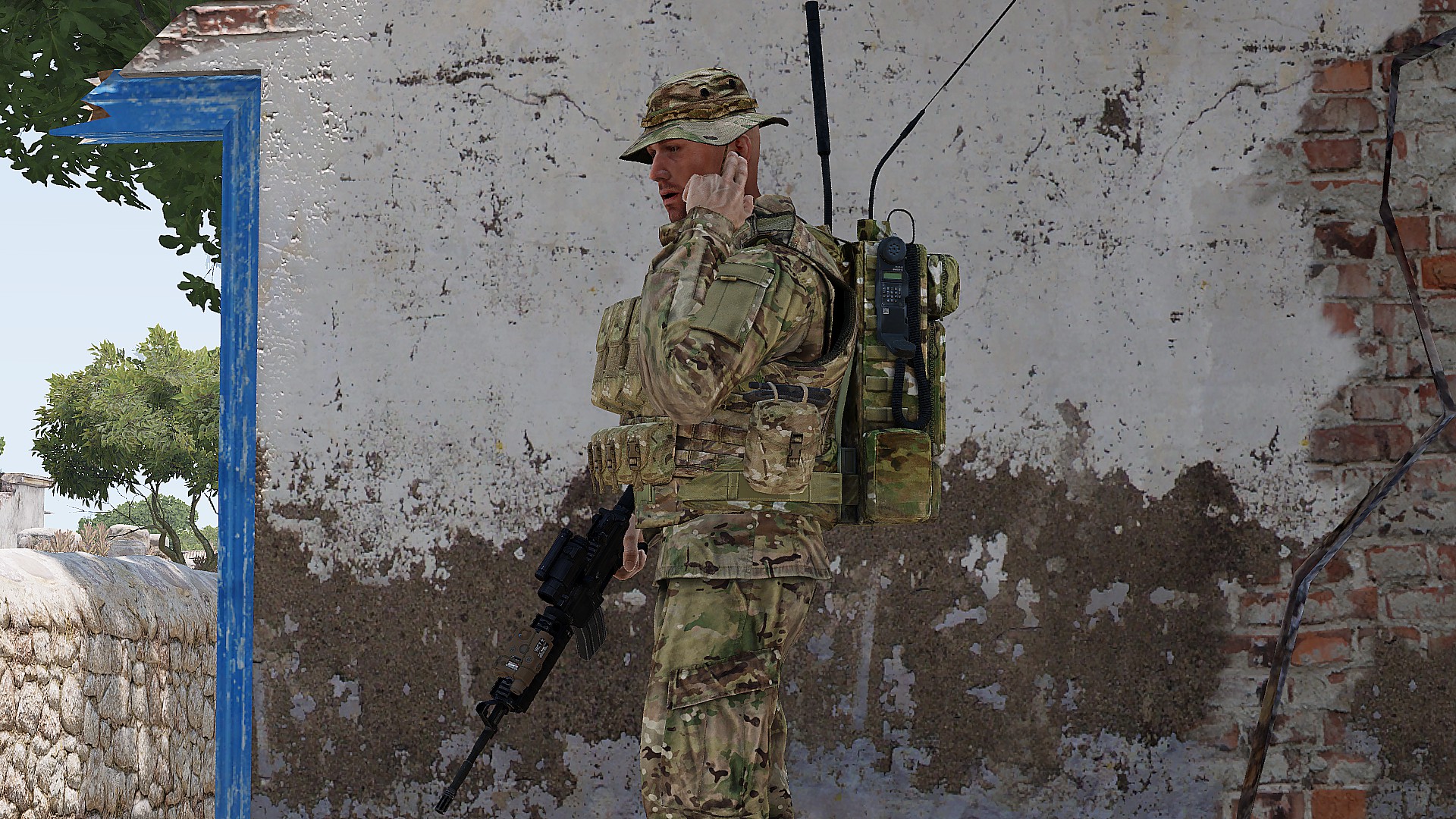
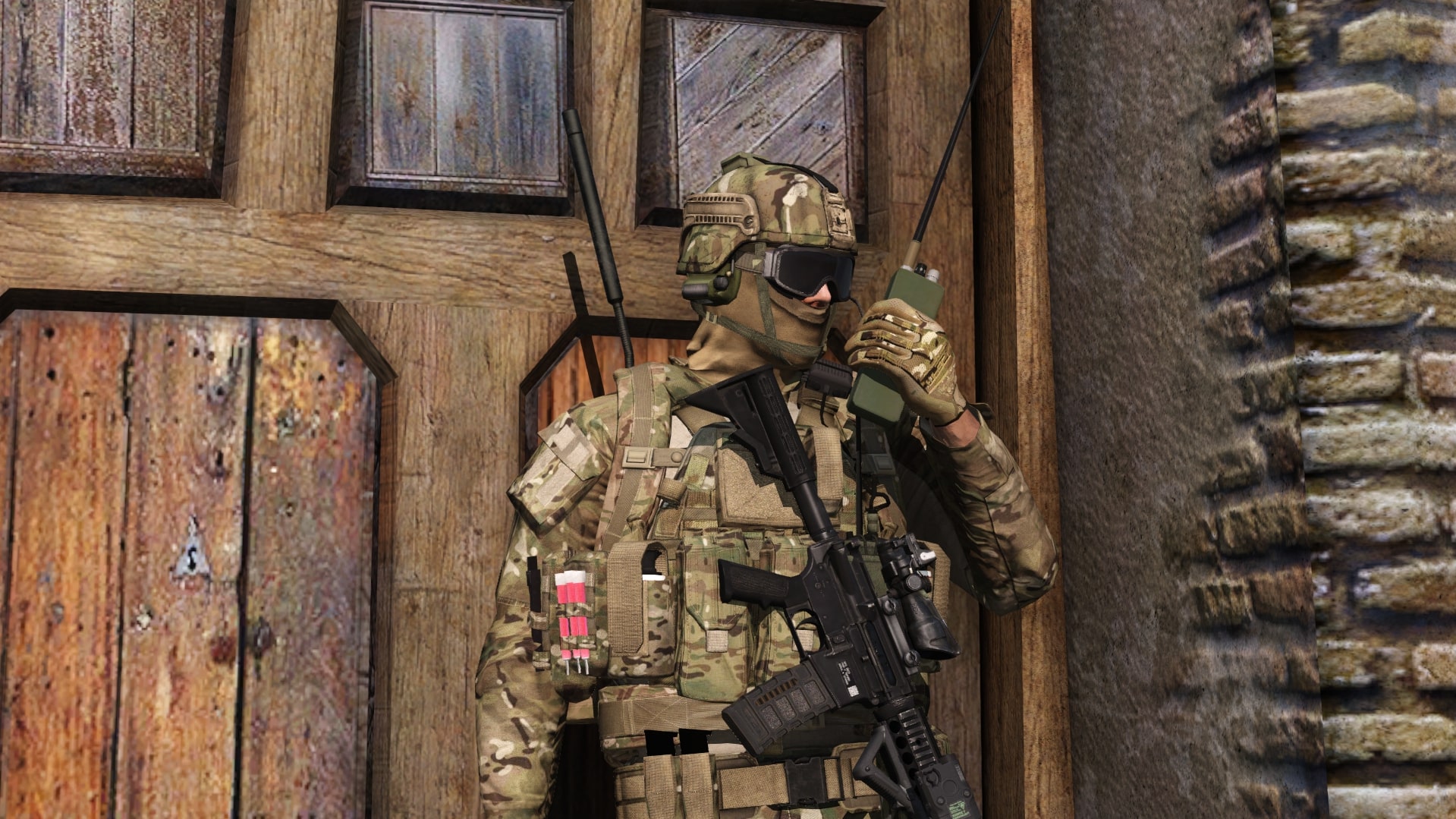
SL: 1-1, this is Actual – ACE Report.FTL (Kevin): Actual, this is 1-1 – Roger, WAIT OUT.

[Kevin collects ACE Checks from team]

KEVIN: Actual, this is 1-1 – orange 5.56 STANAG, orange 9 mm,5 up 3 wounded, orange bandages.SL: Roger, out.

  • Leaders merge information logically: consolidate ammo shortages, casualty counts, and equipment losses before reporting.
  • Maintain brevity and standard colour codes.

On role cards

On 27 role cards in 5 combat areas.

Named on

The other 7 roles read it through these cards.

By combat area

Next in Reports

FM/G166 Sending a Casualty Report (CASREP)