


UNITAF Future
UNITAF

Caution

This site is a work in progress

This site is finished to different degrees. Feedback is welcome. Please bear in mind that most of what you see, if not everything, is still a work in progress.

Data from the live site is synced here every hour. Anything you do on this site stays here. It is not copied back to the live site until we switch over.

Discord and permissions are linked. Be careful with admin actions. Some of them also change Discord.

UNITAF members taking orders before an operation
Force Manual

The FM outlines our core skills, policies and guides to ensure every member stands ready for the mission ahead.

FM/G305 · Ground vehicles

Commanding a vehicle

Passages
16
Reading time
4 mins
Views
85
Owned by
Unit Command
Platforms
Every platform
Role cards
9 cards
Published
23 Sep 2026
On this page

Tactical command tips

Vehicle commanders must anticipate enemy threats before contact. Prioritize targets by danger: armour and ATGMs first, then unguided anti-tank infantry. Avoid skyline exposure; stay on low ground and shift position after engagement to avoid counterfire. Never drive directly out of overwatch; reposition laterally or reverse first.
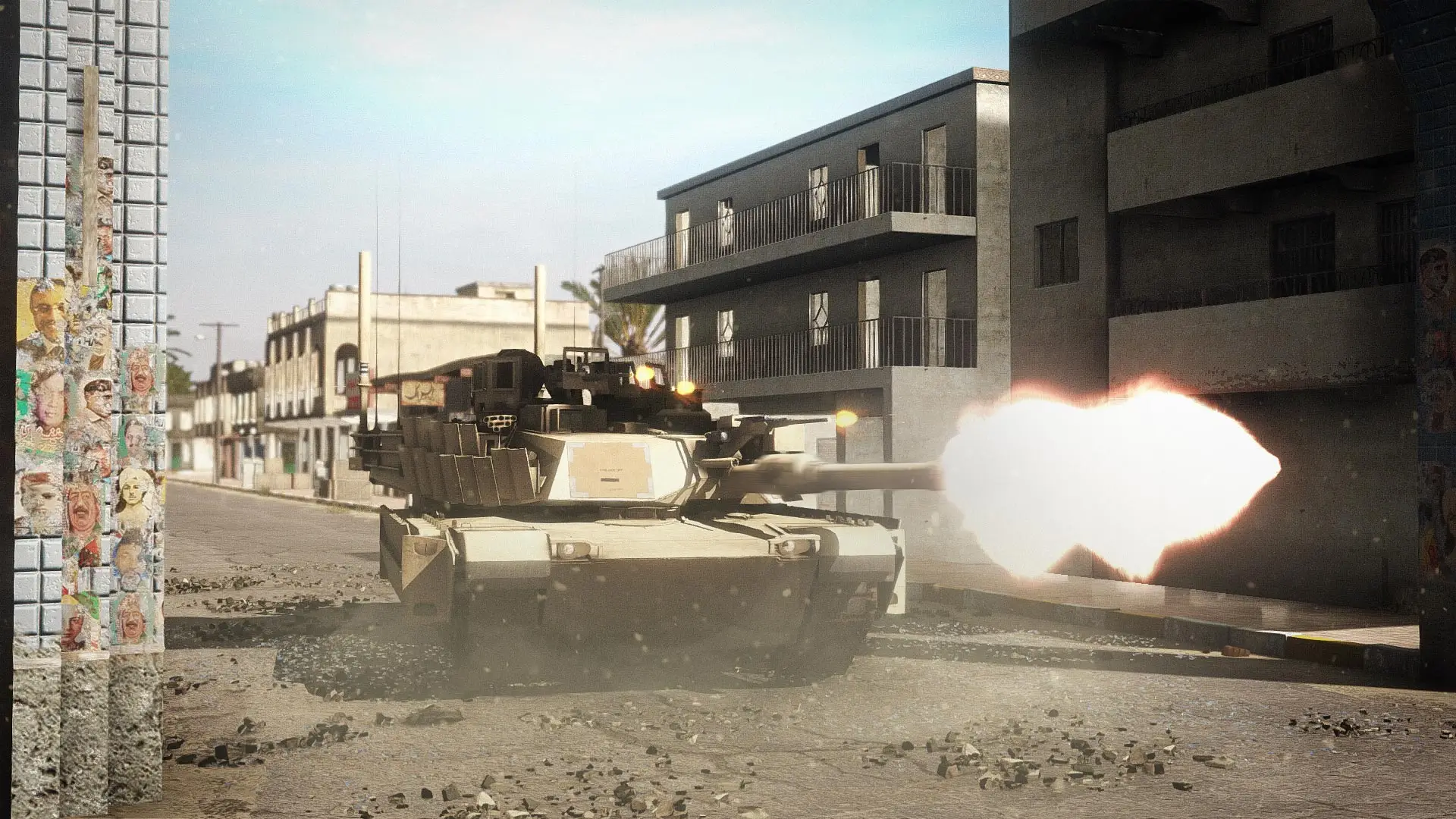
Give orders to a crew member

  • Alert with their crew position: e.g. “DRIVER” or “GUNNER”
  • Give the order: e.g. “REVERSE” or “SCAN LEFT”

Direct a driver using intent

  • State the destination and intended route when possible.
  • Repeat or re-confirm instructions if the driver's response is delayed or unclear.

Direct a driver using specific instructions

  • Use the format: Give orders to a crew member FM/BS-1363
  • Give visual cues only within the driver's visible sector (11 to 1 o'clock),
  • Time commands to allow for heavy-vehicle response delay,
  • Provide close guidance when in formation or near infantry,
  • Repeat or re-confirm instructions if the driver's response is delayed or unclear.

Direct a gunner

  • Define the gunner's left and right arcs using bearings, clock-ray, or landmarks.
  • Use optics to verify distant threats before engagement.
  • Update the crew on friendly positions to prevent fratricide.
  • Account for commander vs gunner viewpoint differences when giving aim or engagement cues.
  • Watch your gun direction and vehicle safety when moving in tight areas to avoid hitting obstacles.

Commander initiated engagements (CIE)

  • Alert: Focus the gunner. 
  • Ammo/Weapon: Tell the gunner what system/ammo to use. Use specific shorthand (e.g., SABOT, HE, Coax, MG, Smoke).
  • Target Description: Tell the gunner what the target is. For vehicles/aircraft Vehicle class identification FM/G18 should be used, other targets may include infantry, gun emplacement or a building
  • Direction: Give an unambiguous direction indication and an approximate range relative to the vehicle. Distance helps set lead, ammo choice, and sights.
    • Accepted direction formats:
      • Clock + distance,
      • Degrees + distance,
      • Relative + distance.

Movement status: Give movement to help lead. Use short phrases: moving Left to Right, moving away, moving towards, stationary, stopped, on the move. If speed is important, add fast / slow.

Give a Commander initiated engagement (CIE)

Skip sections if they are not required.

  • Announce “GUNNER” or “DESIGNATE*”,
  • State the weapon/ammo the gunner should use,
  • Describe the target and, if needed, the point of aim
  • State the direction and range using one of the following:
    • Clock + distance: 
    • Degrees + distance: 
    • Relative + distance: 
  • State the movement status
  • Gunner: Announce “IDENTIFIED” when the gun is on target.
  • Gunner: Announce “NOT SEEN” if the target cannot be found.
  • Commander: Talk the gunner on to the target if needed Talk gunner on to target FM/BS-1371,
  • Proceed with Execute an engagement FM/BS-1372.

*Only if using the Hunter/Killer system.

Give a Gunner initiated engagement (GIE)

Alert the commander to a target

Give fire control commands to a gunner

  • “FIRE”: Fire immediately,
  • “FIRE AND ADJUST”: Fire immediately and adjust for follow-up if target is missed,
  • “AT MY COMMAND”: Acquire target but await “FIRE” command.

Talk gunner on to target

  • Give instructions to traverse left or right
  • When close to the target announce “STEADY” to slow the speed and allow the gunner to locate the target
  • Announce “ON” when the gunner is aiming at the correct target

Call and Correct Round Impacts

  • When a round is fired, call the effect it has on the target:
    • “TARGET”:  Round hit the target
    • “OVER/SHORT”: Round missed long / short,
    • “LOST”: Round impact was unseen,
    • “DOUBTFUL”:  Round passed to the left or right of the target but the range seems correct,
    • “REENGAGING”: the gunner is preparing to fire again with corrections if needed,
    • “CEASE FIRE”:  Gunner should stop engaging the target.
  • When required apply target corrections:
    • “ADD ONE/DROP ONE”: Move aim up / down,
    • “MORE LEAD/LESS LEAD”: Move aim further ahead or closer to a moving target.

Hunter-Killer observe override

A Hunter‑Killer Observation Override synchronises commander and gunner sights to allow rapid target acquisition by slewing one sight to the point observed by the other.

  • Function: Syncs commander and gunner sight lines so a target viewed by one can be observed or engaged by the other without separate manual laying.
  • Gunner / Commander- Observe: Using Observe moves the user's sight to the point currently targeted by the other sight, permitting immediate visual confirmation.
  • Commander- Override: Using Override slews the gunner sight to the commander's aim point, enabling the gunner to acquire and engage the same target quickly.

Alert a gunner when using Hunter-Killer override

If using the hunter-killer override, alert the gunner with "DESIGNATE" before taking control of the turret.

React to vehicle damage

  • Vehicle weapon disabled: 
    • Move vehicle back in cover, 
    • Report "[your callsign] WEAPON DISABLED" on command net, 
    • Stay in vehicle and await orders.
  • Vehicle mobility disabled:
    • Report up  "[your callsign] MOBILITY DISABLED" on command net, 
    • Stay and defend vehicle if safe, 
    • Dismount vehicle and regroup near cover if not safe to stay in the vehicle.
  • Vehicle disabled (or weapon and mobility disabled): 
    • Report  "[your callsign] VEHICLE DISABLED" on command net, 
    • Stay in vehicle if safe, 
    • Dismount vehicle and regroup near cover if not safe to stay in the vehicle.

React to vehicle destroyed

  • As the commander, If you identify that the vehicle is damaged and poses a risk to the crew, announce "BAIL, BAIL, BAIL"
  • Exit the vehicle,
  • Move to cover
  • Report  "[your callsign] VEHICLE DESTROYED, [number of casualties] CASUALTIES" on command net, with the number of personnel wounded accounting for any still in the wreck.

On role cards

Next in Ground vehicles

FM/G327 Gunning a vehicle