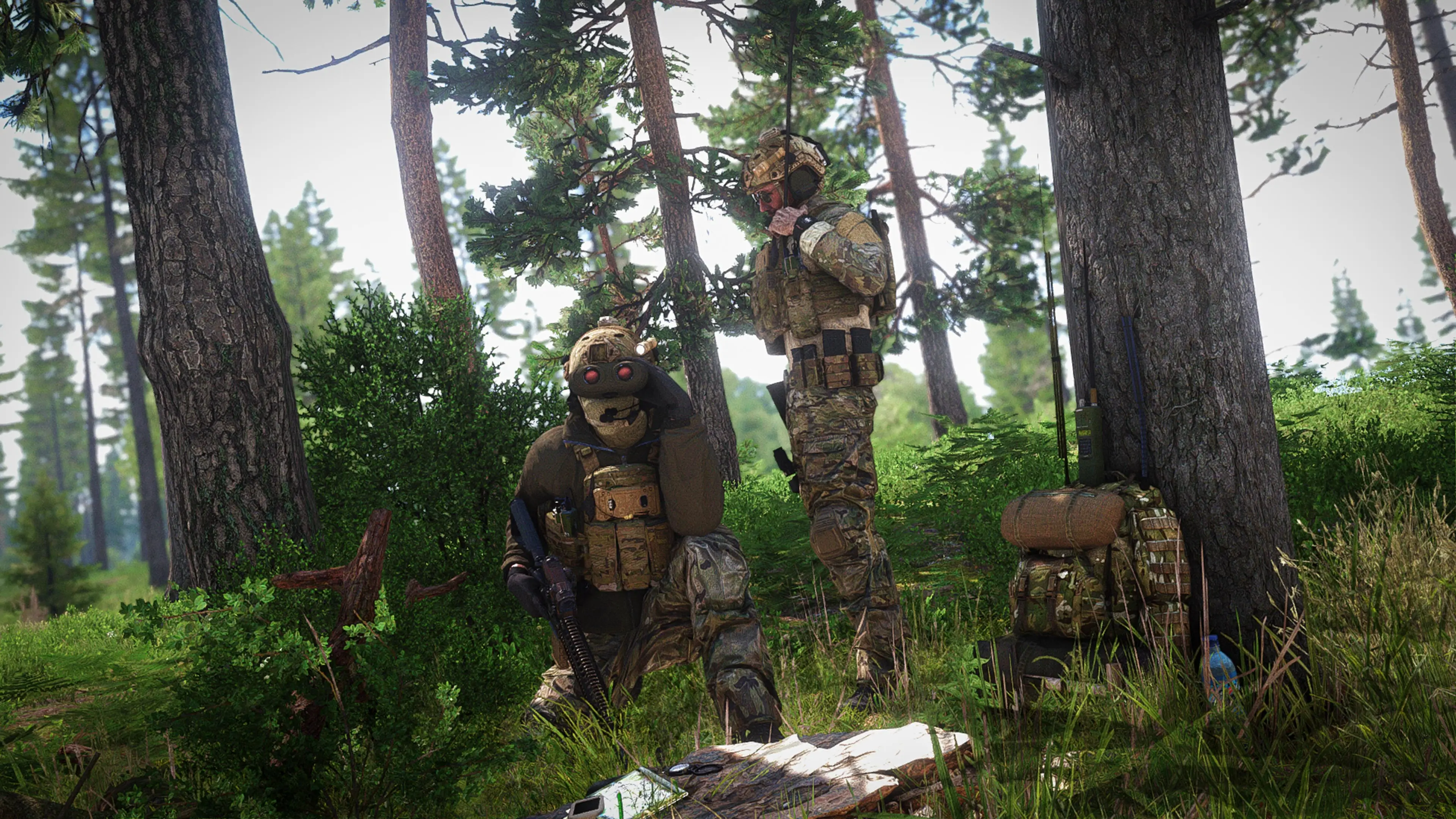
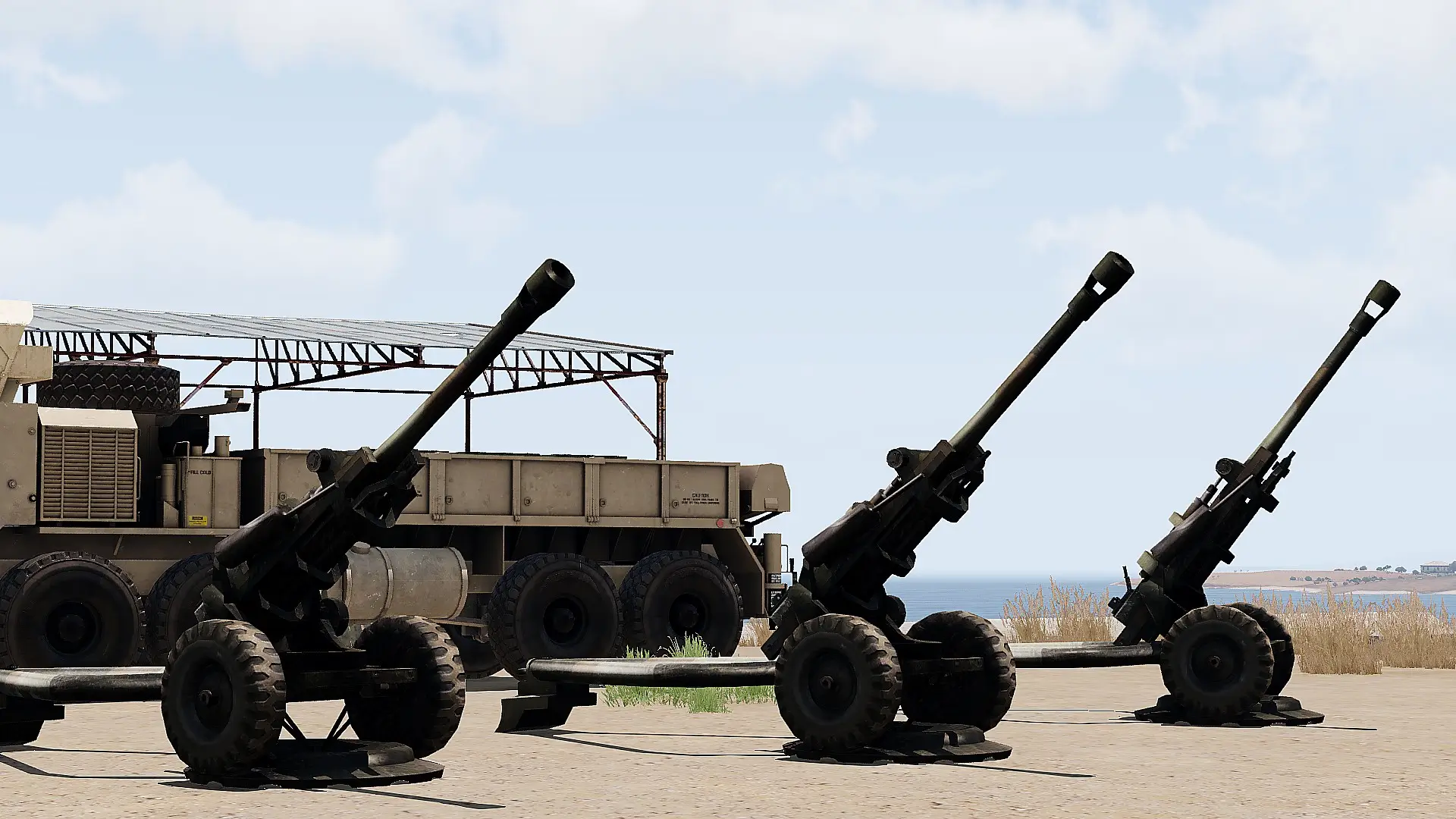
Control an ongoing Fire Mission
- Monitor the fire mission and battlefield conditions.
- Issue fire control commands to the firing element as required.
- Adjust the fire mission as necessary to achieve the desired effect.
- Confirm commands are understood where necessary.
- Continue controlling the mission until it is completed or terminated.
Format
[Fire Support Callsign], this is [Observer Callsign], [Control Command]
Control Commands
FIRE
- Execute an AT MY COMMAND mission.
CHECK FIRE
- Immediately stop firing during a fire mission.
CANCEL CHECK FIRE
- Resume firing following a CHECK FIRE.
CEASE LOADING
- Stop loading additional rounds.
- Fire any rounds already loaded.
REPEAT
- Repeat the fire mission using the current firing data.
ADJUST FIRE
- Adjust the point of impact onto the target.
- Corrections may be issued using:
- ADD [distance]
- DROP [distance]
- LEFT [distance]
- RIGHT [distance]
- Bracketing may be used to progressively adjust impacts onto the target.
FIRE FOR EFFECT
- Following adjustments, the fire mission will be on target and the fire support element should continue with the remaining rounds.
Examples
THUNDER 1, this is SIERRA 1, FIRE
THUNDER 1, this is SIERRA 1, CHECK FIRE
THUNDER 1, this is SIERRA 1, CANCEL CHECK FIRE
THUNDER 1, this is SIERRA 1, CEASE LOADING
THUNDER 1, this is SIERRA 1, REPEAT
THUNDER 1, this is SIERRA 1, ADD 400
THUNDER 1, this is SIERRA 1, DROP 200
THUNDER 1, this is SIERRA 1, LEFT 100
THUNDER 1, this is SIERRA 1, RIGHT 50
THUNDER 1, this is SIERRA 1, ADD 50, FIRE FOR EFFECT