


UNITAF Future
UNITAF

Caution

This site is a work in progress

This site is finished to different degrees. Feedback is welcome. Please bear in mind that most of what you see, if not everything, is still a work in progress.

Data from the live site is synced here every hour. Anything you do on this site stays here. It is not copied back to the live site until we switch over.

Discord and permissions are linked. Be careful with admin actions. Some of them also change Discord.

UNITAF members taking orders before an operation
Force Manual

The FM outlines our core skills, policies and guides to ensure every member stands ready for the mission ahead.

FM/BG-577 · v1.00

Reading Wind: Speed

Code
FM/BG-577
Kind
Guide
Version
v1.00 2yrs ago
Views
379
Platforms
As its document
Published by
MSG mbaker5114 26 May 2024
Last material change
v2.00

You are reading v1.00, an earlier version. Read the current version

Reading Wind: Speed

Wind Indicator

The in-game wind display can be activated with the default key bind: Shift + K. The indicator will appear in the top left of the screen and display information for both wind direction and wind speed. In a similar fashion to a soldier experiencing wind without any devices to precisely measure velocity and bearing - this indicator does not provide precise values or directions, only estimations. With an understanding of the systems and methods in use to display these estimates, information precise enough for marksmanship may be gathered for use.


Beaufort Scale

The in-game wind indicator displays wind speed using wind “force” levels of the Beaufort scale. The force levels are represented with corresponding numbers of dots under the direction indicator, alongside color changes for each force level. The wind speeds corresponding to the Beaufort force levels (in meters per second) are detailed below:
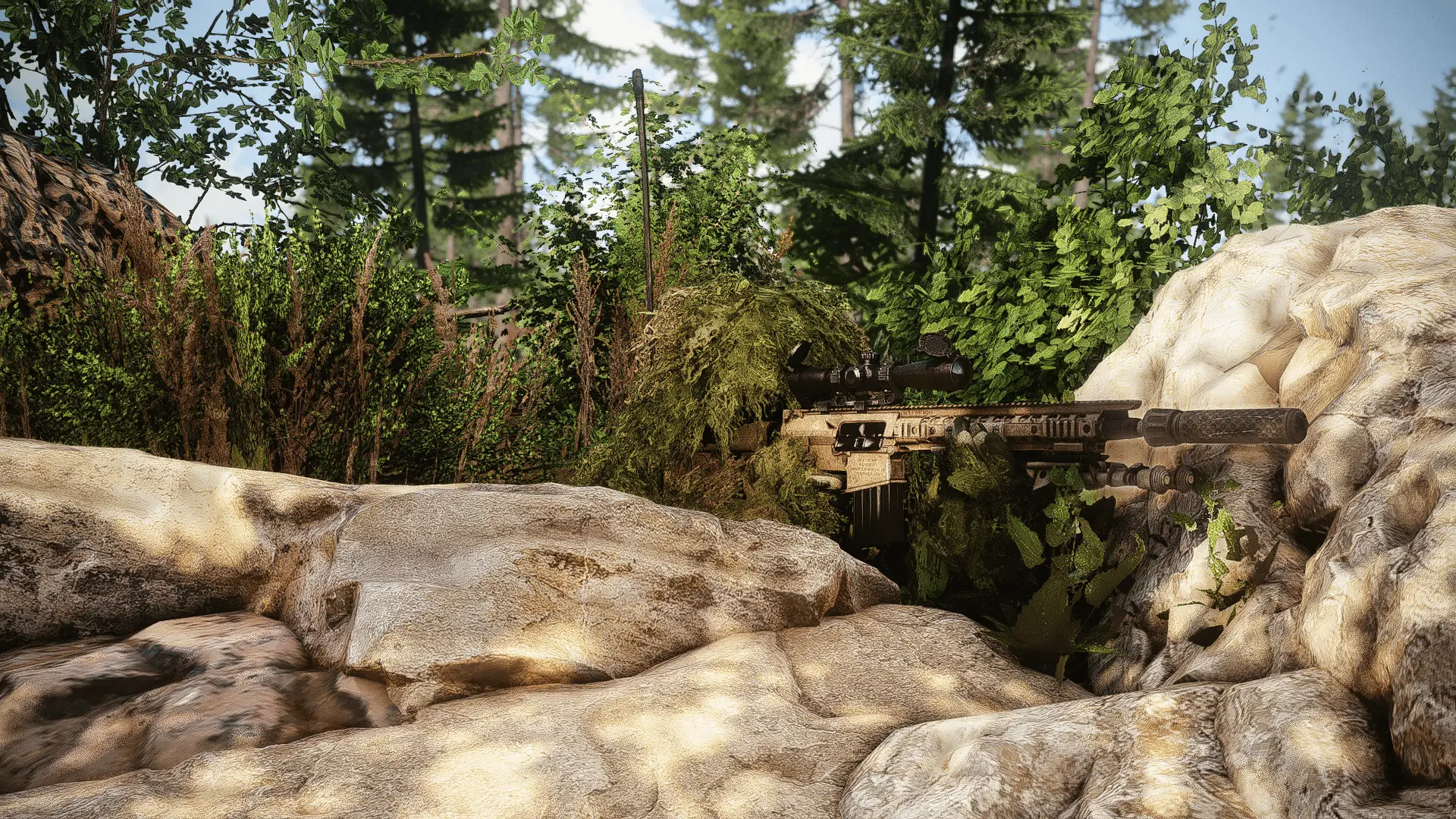


Where it appears

On role cards

On 2 role cards in 1 combat area.

By combat area