


The FM outlines our core skills, policies and guides to ensure every member stands ready for the mission ahead.
FM/BG-760 · v1.02
Importing PLANOPS
- Code
- FM/BG-760
- Kind
- Guide
- Version
- v1.02 1yr ago
- Views
- 502
- Platforms
- As its document
- Published by
- SP3 Jochem 29 Jan 2025
- Last material change
- v1.00
1 word added, 2 words removed.
v1.01
Follow these steps to import PLANOPS data into your Arma 3 mission:
Export PLANOPS data:Navigate to the PLANOPS map website.
Click the “Share” button, then select “Export to Arma3”.
Choose the layers you wish to export (select all if unsure).
Specify the channel to be used:"Vehicle" if the shared map is off
"Global" if the shared map is on
Run in-game:Open the Zeus interface.
Locate and place the "Execute Code" module.
Paste the copied PLANOPS code into the module.
Set execution to "LOCAL" and click "EXECUTE".
Verify import: Close out the Zeus interface.
Open your map in-game to make sure that the markings have come in correctly and are visible.
v1.02
Follow these steps to import PLANOPS data into your Arma 3 mission:
Export PLANOPS data:Navigate to the PLANOPS map website.
Click the “Share” button, then select “Export to Arma3”.
Choose the layers you wish to export (select all if unsure).
Specify the channel to be used:"Vehicle" if the shared map is off
"Global" if the shared map is on
Run in-game:Open the Zeus interface.
Locate and place the "Execute Code" module.
Paste the copied PLANOPS code into the module.
Set execution to "LOCAL" and click "EXECUTE".
Verify import:Close out the Zeus interface.
Open your map in-game to make sure that the markings have come in correctly and are visible.
Follow these steps to import PLANOPS data into your Arma 3 mission:
Export PLANOPS data:Navigate to the PLANOPS map website.
Click the “Share” button, then select “Export to Arma3”.
Choose the layers you wish to export (select all if unsure).
Specify the channel to be used:"Vehicle" if the shared map is off
"Global" if the shared map is on
Run in-game:Open the Zeus interface.
Locate and place the "Execute Code" module.
Paste the copied PLANOPS code into the module.
Set execution to "LOCAL" and click "EXECUTE".
Verify import: Close import:Close out the Zeus interface.
Open your map in-game to make sure that the markings have come in correctly and are visible.
Where it appears
Lives in
FM/G153 Using the Zeus interfaceOn role cards
On 10 role cards in 1 combat area.
Named on
-
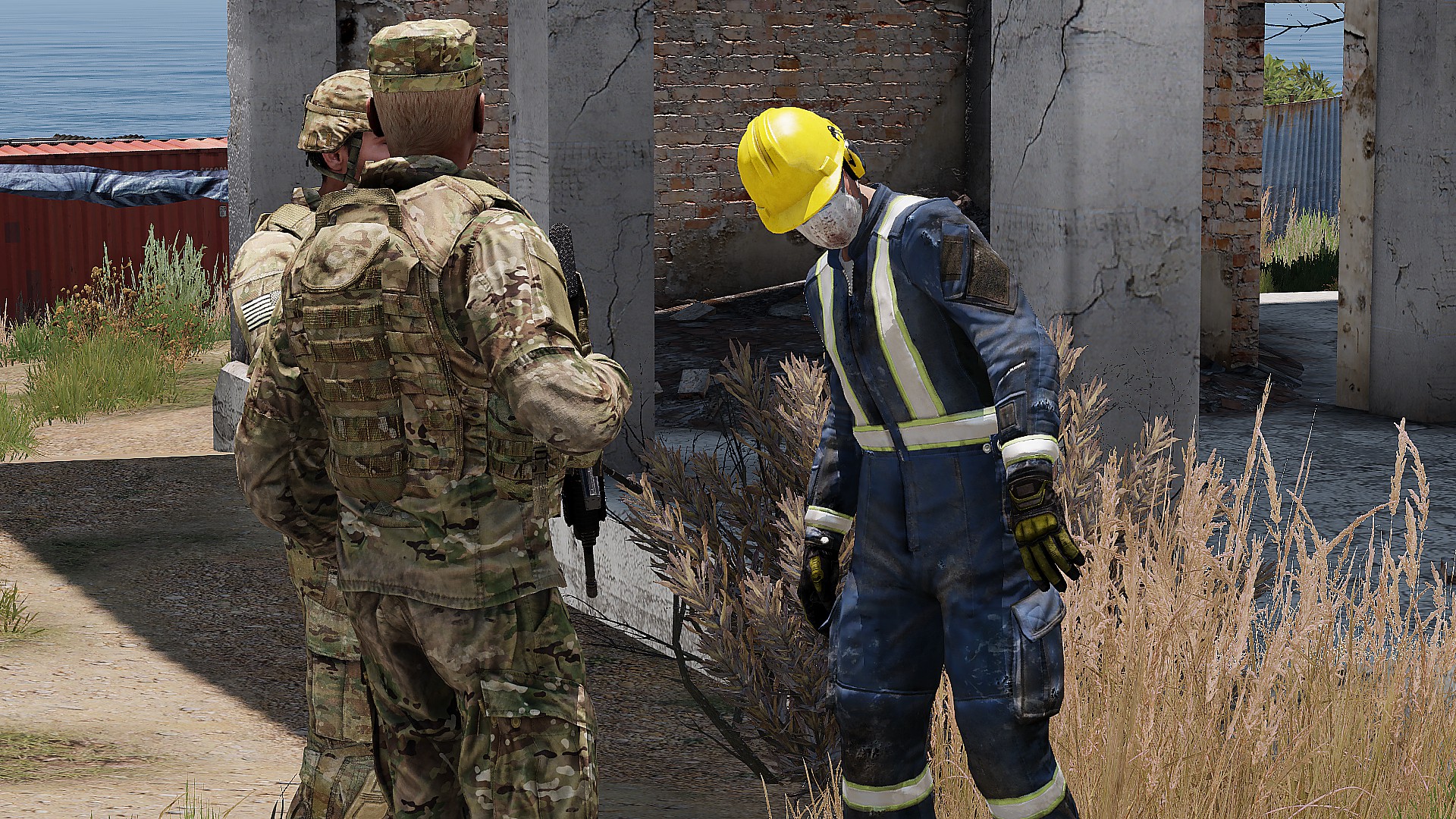 Civillian Roleplayer
Mission Support
Civillian Roleplayer
Mission Support
-
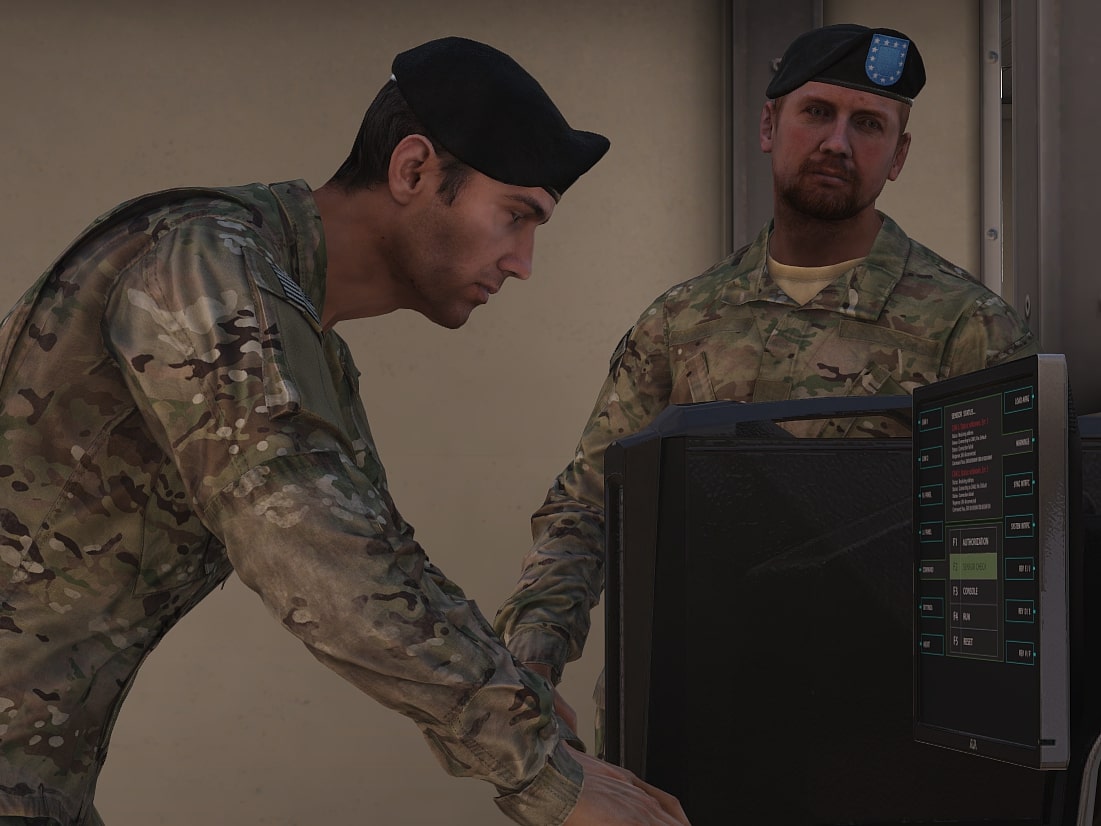 Assistant Game Master
Mission Support
Assistant Game Master
Mission Support
-
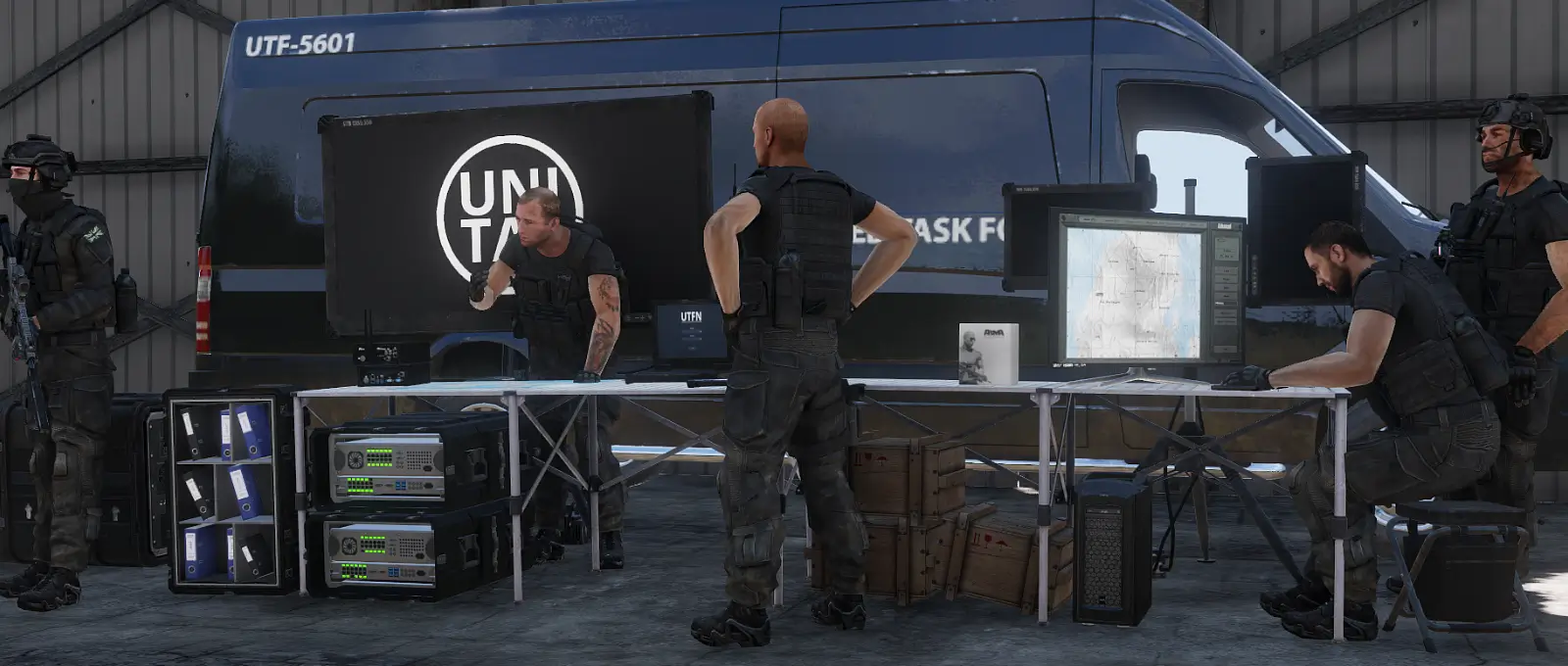 Game Master (≤15)
Mission Support
Game Master (≤15)
Mission Support
-
Game Master (≤32)
Mission Support
-
Game Master (≤64)
Mission Support
-
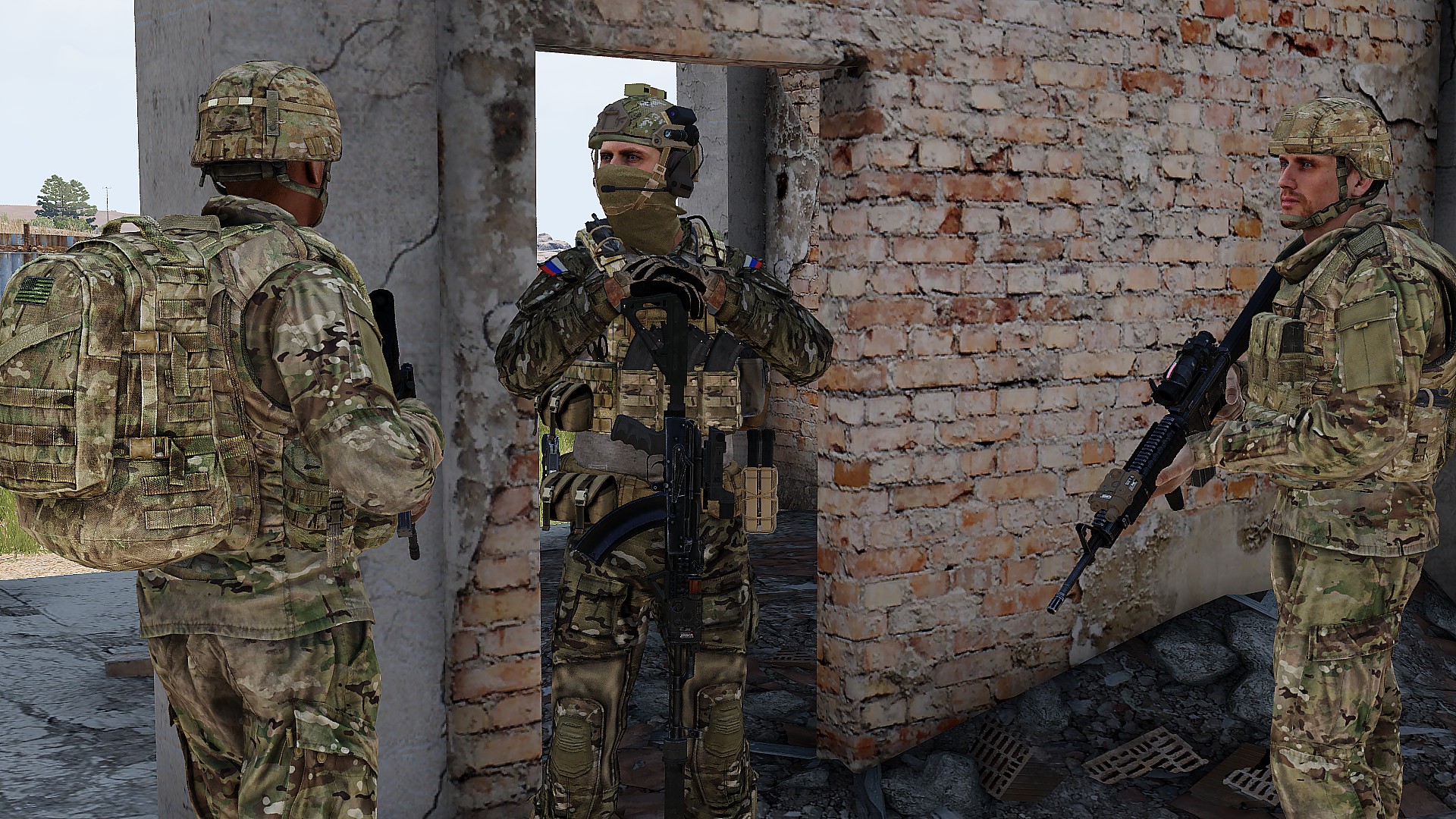 OPFOR Roleplayer
Mission Support
OPFOR Roleplayer
Mission Support
The other 4 roles read it through these cards.
By combat area