UNITAF Future
UNITAF

Caution

This site is a work in progress

This site is finished to different degrees. Feedback is welcome. Please bear in mind that most of what you see, if not everything, is still a work in progress.

Data from the live site is synced here every hour. Anything you do on this site stays here. It is not copied back to the live site until we switch over.

Discord and permissions are linked. Be careful with admin actions. Some of them also change Discord.

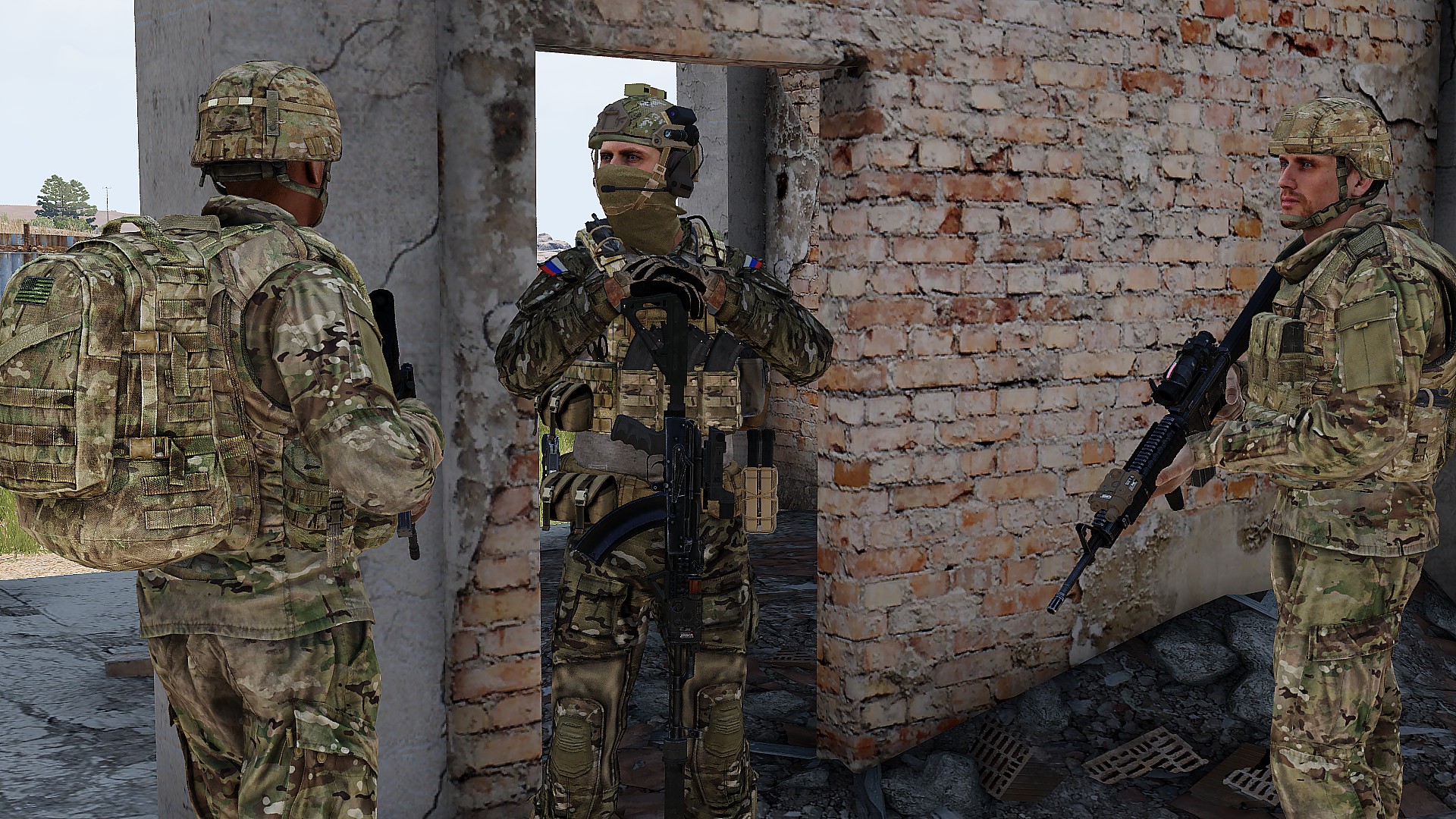
UNITAF members taking orders before an operation
Force Manual

The FM outlines our core skills, policies and guides to ensure every member stands ready for the mission ahead.

FM/BG-760 · v1.00

Importing PLANOPS

Code
FM/BG-760
Kind
Guide
Version
v1.00 1yr ago
Views
502
Platforms
As its document
Published by
SP3 Jochem 21 Nov 2024
Last material change
v1.00

You are reading v1.00, an earlier version. Read the current version

Importing PLANOPS

  1. On the PLANOPS map website, press the “Share” button, then click the “Export to Arma3” button.
  2. Select the desired layers (all if unsure)
  3. Select the correct channel ("vehicle" if shared map is off, “global” otherwise)
  4. Open the Zeus interface, Find the “Execute code” module and place it down.
  5. When open, paste the copied code, select “LOCAL” and click “EXECUTE”.
  6. Exit zeus interface and open the map, the markings should be there.